
In today’s digital world, the thought of someone hacking your iPhone with just your phone number might sound like a plot twist from a tech thriller. But fear not, you don’t need to don a tinfoil hat just yet. While the idea of a cyber villain lurking in the shadows is enough to make anyone’s skin crawl, the reality is a bit less dramatic.
Understanding iPhone Security Features
iPhones incorporate advanced security features to protect user data and prevent unauthorized access. These features include encryption, which safeguards information stored on the device. Face ID and Touch ID offer biometric security, enabling users to unlock devices quickly while ensuring only authorized individuals gain access.
Apple employs a secure boot process that verifies system integrity during startup. This mechanism prevents malicious software from running at boot time. Additionally, iPhones receive regular software updates, addressing vulnerabilities and enhancing security protocols. Users who enable automatic updates benefit from the most current protections against threats.
Privacy settings are integral to user control on iPhones. They allow individuals to manage app permissions, especially regarding location services and access to personal data. Implementing two-factor authentication further strengthens account security, requiring a secondary verification method beyond just a password.
iCloud services add another layer of protection. Data stored in iCloud requires secure sign-in credentials. Users who activate Find My iPhone can locate their device if lost or stolen, enabling remote actions like data wiping.
Despite these robust features, vigilant user behavior remains essential. Staying aware of phishing attempts via text or email can prevent unauthorized access. Heeding alerts about suspicious activities also ensures prompt responses to potential threats.
By prioritizing security settings and maintaining awareness of privacy options, iPhone users significantly reduce the risk of hacking attempts linked to their phone numbers.
Common Myths About Hacking
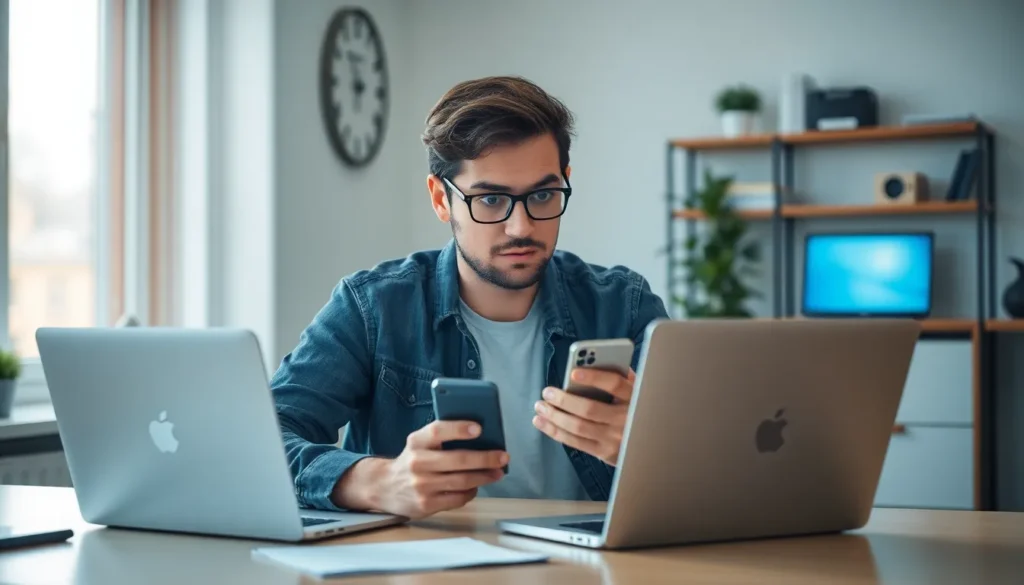
Beliefs about iPhone hacking often circulate, leading to misunderstandings.
Can Someone Hack My iPhone With My Phone Number?
Some individuals think merely having a phone number creates a vulnerability for hacking. Reality shows that while phone numbers can be used in social engineering attacks or phishing scams, direct hacking through just a number is unlikely. Apple’s security features, like encryption and biometric authentication, effectively protect user data, reducing the risk of unauthorized access.
Other Ways Hackers Can Access Your Device
Common methods used by hackers include malware and phishing emails. Malware can be disguised as legitimate apps or software, enabling access when installed. Phishing emails trick users into revealing sensitive information or credentials. Hackers may also exploit insecure Wi-Fi networks to intercept data, emphasizing the need for caution with public connections. Additionally, outdated software can provide openings, making regular updates crucial for security.
Signs Your iPhone May Be Compromised
Unexpected battery drain often indicates a problem. Applications running in the background could be consuming more power due to unauthorized access.
Frequent pop-up ads can also signal an issue. An increase in unwanted ads while browsing suggests possible malware presence.
Unusual data usage may raise alarms. If an iPhone utilizes more mobile data than typical, it might point to a hidden app sending information externally.
Unrecognized apps appearing on your device should not be ignored. Applications installed without user consent may have entered through a compromise.
Unusual behavior, like sudden crashes or freezing, requires attention. Frequent glitches during normal operations can hint at malware interference.
Messages or calls sent from your number without permission are concerning. This behavior implies an intruder could be manipulating your device.
Privacy settings reverting to default values indicates unauthorized changes. Unexpected modifications in these settings may occur after a compromise.
Failure to receive text messages or calls is another warning sign. If messages get delayed or missed completely, an outside force might be sabotaging communications.
Inconsistent login notifications can also reflect a breach. Alerts about logins from unfamiliar devices or locations may denote compromised accounts linked to the iPhone.
Checking for these signs regularly can enhance a user’s awareness. Staying proactive helps in identifying potential issues before they escalate.
Preventive Measures for iPhone Users
iPhone users can take several steps to enhance device security. Regularly updating your software ensures you receive the latest security patches. Enabling two-factor authentication adds an extra layer of protection for Apple ID accounts.
Managing privacy settings is crucial for controlling app permissions. Users should only grant access to apps that truly need it. Connecting to secure Wi-Fi networks minimizes the risk of unauthorized access. Avoiding public Wi-Fi for sensitive transactions is advisable.
Monitoring device behavior helps in identifying potential threats. Unusual pop-up ads or excessive battery drain can indicate hacking attempts. Detecting unrecognized apps or receiving strange messages may signal a compromised device. Taking note of these signs enables users to act quickly.
Using strong, unique passwords is essential for account security. Changing passwords regularly enhances protection against unauthorized access. Following reputable cybersecurity news keeps users informed about potential threats.
Being cautious with links in emails or messages combats phishing scams. Clicking on unknown links can lead to malware installation. Users should verify sources before providing any personal information.
Utilizing iCloud services appropriately aids in tracking lost devices. Locating a device swiftly can prevent data loss. The option to remotely wipe a device offers peace of mind if physical theft occurs.
Reporting suspicious activity to Apple helps improve overall security. Sharing experiences may contribute to enhanced security measures. Staying proactive ensures a safer user experience on iPhones.
iPhone users can take comfort in the robust security measures that protect their devices from potential threats. While concerns about hacking via phone numbers exist, Apple’s advanced features significantly reduce these risks. By staying informed and vigilant, users can effectively safeguard their personal information.
Regular software updates and strong privacy settings are essential in maintaining security. Additionally, recognizing signs of compromise can help users act quickly if any issues arise. Ultimately, adopting proactive security practices ensures a safer experience with iPhones, allowing users to enjoy their devices without undue worry.